About Spending Analysis:
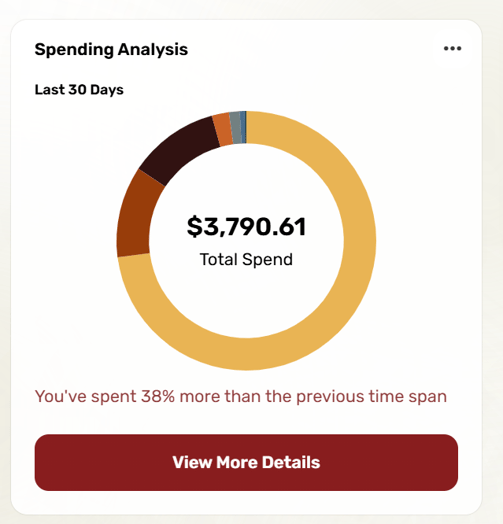
Spending Analysis helps you track your spending by grouping transactions into categories like Food, Personal & Family, Healthcare, and more. It also compares your spending to previous time periods, so you can see if you’re spending more or less. Click any category to get a detailed view of your purchases.
How to set up Spending Analysis in Online Banking:
-
Log into Online Banking.
-
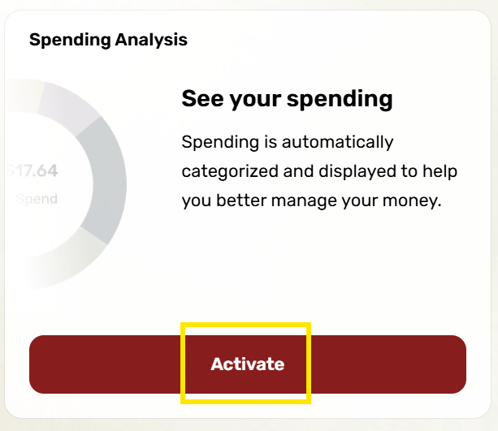
Scroll to the right side of your dashboard and click Set Up Spending Analysis → Activate.
-
Review the terms and click Accept and Continue.
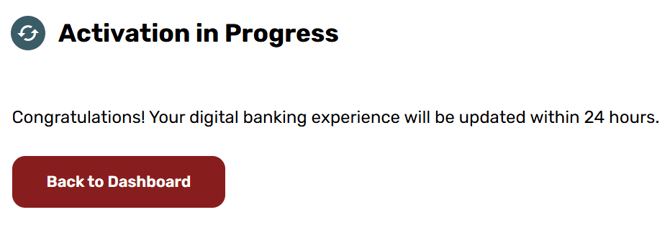
Your Spending Analysis will be ready within 24 hours. It’s that simple!