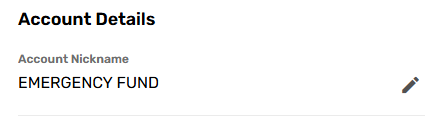
A Sub-Savings is an additional savings account you can create under your main account to save for specific goals, like a vacation, wedding, or emergency fund. You can give each Sub-Savings a custom name, set up automatic transfers, and even open multiple Sub-Savings accounts to meet all your savings goals!
How to open a Sub-Savings in Online Banking:
-
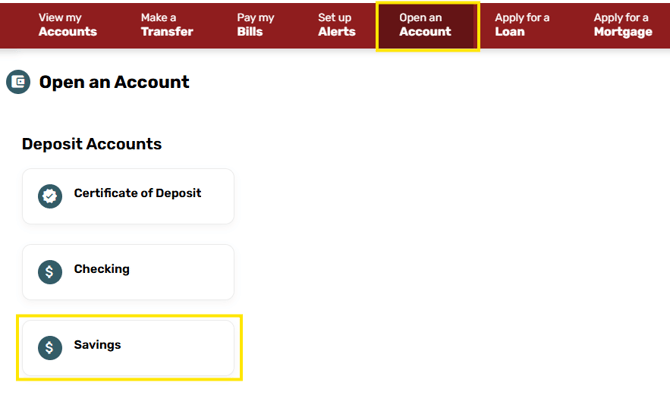
Log in to Online Banking and select Open an Account.
-
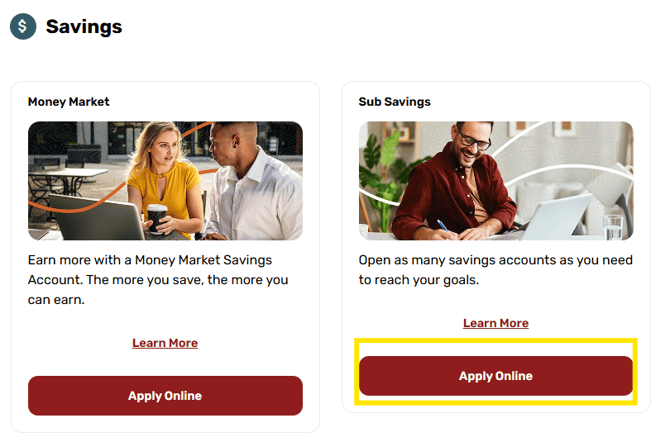
Click Savings and then "Apply Online" under Sub-Savings.
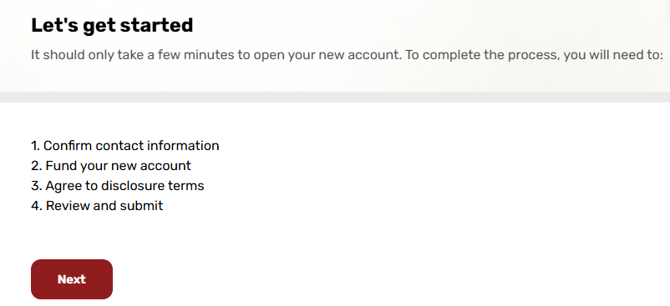
- Verify your information and review the Terms and Conditions.
-
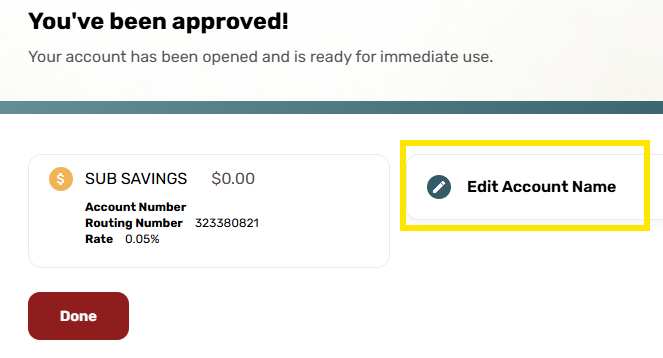
Name your Sub-Savings and set up an optional recurring transfer.
-
Click Save to start saving for your goal.
You can also open a Sub-Savings at any branch if you prefer to do it in person.